

What Are the Easiest Business Tasks to Quietly Automate With AI Without Adding Complexity?
by Stephanie Ferguson | DigiBrix | Small Business AI Strategy
Key Takeaways
Quiet automation removes attention requirements from tasks where human attention was never adding value — it does not add new management overhead.
The five categories with the cleanest automation profile: booking flows, invoice triggers, standard reply templates, content batch scheduling, and client onboarding sequences.
The defining trait of automation worth building is that it stops requiring a decision. Once it runs, it runs without maintenance.
Business owners who automate for sophistication end up with more to manage. Those who automate for quiet end up with actual capacity.
Automation fails when it is applied to tasks with variable inputs or judgment requirements. The fix is almost always in task selection, not the tool.
There is a version of automation that creates leverage, and a version that creates overhead. The difference is not usually in the tool. It is in the task.
The tasks that automate cleanly share a specific characteristic: the output is basically the same every time. There is no meaningful variation from case to case. No judgment required at execution. No relationship at stake if the response is slightly imperfect. When a task fits that description, a human doing it manually every week is pure cost, with no added value.
The Wrong Starting Point
The mistake most small business owners make when they start automating is reaching for the tasks they most want to escape, rather than the tasks that are most structurally ready to be automated. Those are not the same list.
The tasks most structurally ready for quiet automation are the ones that are repetitive by design. Appointment reminders do not get better when a person writes them. The calendar invite goes out. The reminder fires at 24 hours and again at one hour. Nobody needs to decide anything. That is a system, not a workflow. And the moment you recognize that distinction, the automation practically builds itself.
1. Appointment and Booking Flows
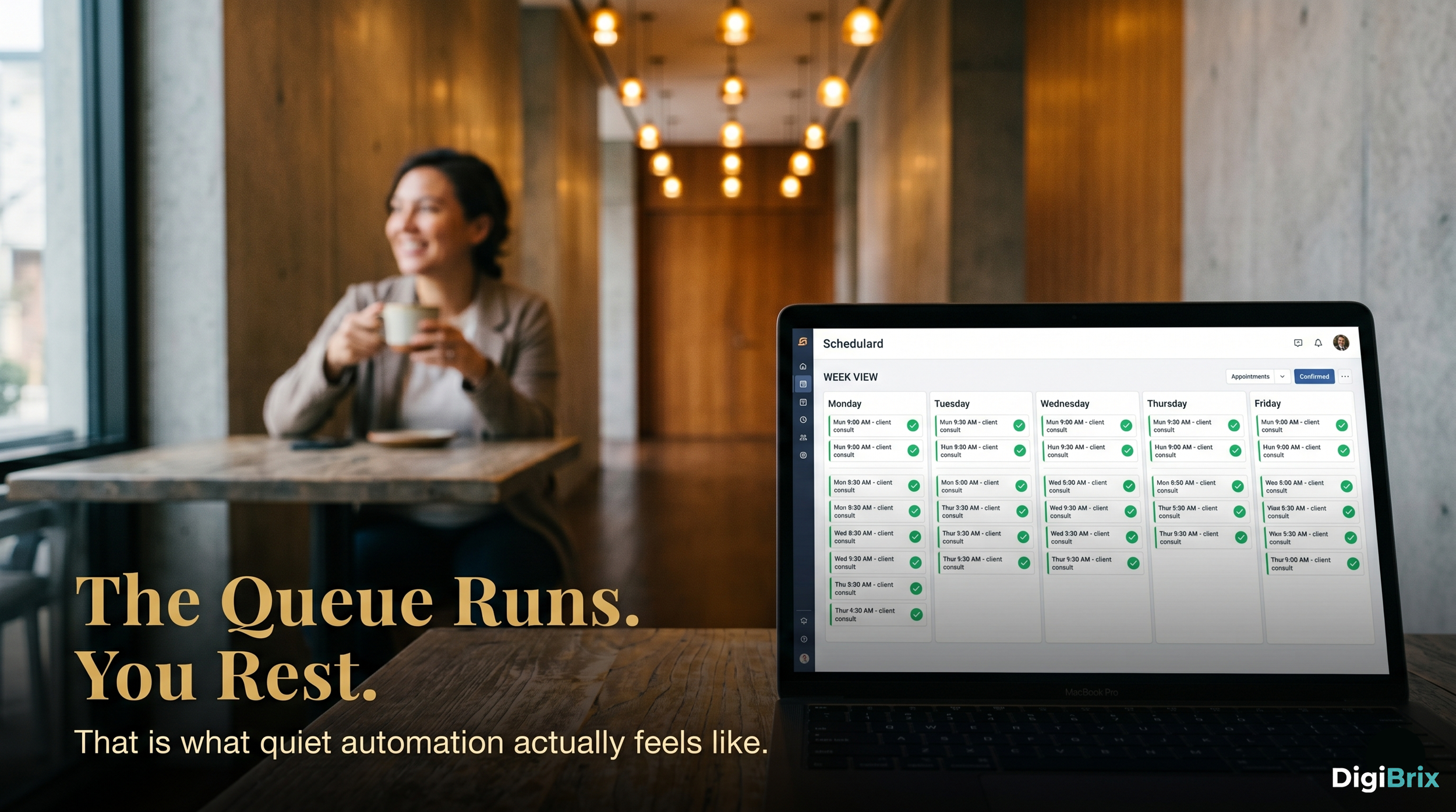
A scheduling link with automated confirmation and reminder sequences removes an enormous amount of back-and-forth from the average business week. The human is no longer coordinating. The system handles it. The human shows up to the meeting.
2. Invoice Generation and Payment Follow-Up
Businesses where the same service is delivered repeatedly at a known price have no reason to write a new invoice from scratch each time. A triggered invoice on project completion, with an automatic payment reminder sequence, is not sophisticated. It is just the thing that should have been in place years earlier.
3. Standard Response Templates for Common Inquiries
Every small business gets variations of the same ten questions from prospects and clients. A library of well-written, personalized-feeling templates, combined with a review-and-send workflow rather than write-from-scratch, cuts average email response time significantly. This is not a full handoff. It is a reduction of the blank-page problem, applied to a task that happens multiple times a day.
4. Content Batching and Scheduling
Business owners who post social content daily from scratch are spending disproportionate attention on a low-leverage task. A single writing session, combined with a scheduling tool, produces a week's worth of content without a daily decision. AI assists with the drafting portion of that session. A human reviews, edits, and approves. The queue runs.
5. Client Onboarding Sequences
The information that every new client needs is always the same. The welcome email, the intake form, the what-to-expect document, the first week touchpoint. Writing and sending these manually every time is not personalization. It is repetition dressed up as attention. An automated sequence delivers it consistently, and the human energy is reserved for the call, the conversation, the thing that actually requires judgment.
What These Five Have in Common
What all of these share is a low tolerance for variance and a low risk of meaningful error. If the reminder fires at 23 hours instead of 24, it does not matter. If the invoice template has a slightly formal tone, the client does not notice. The task was always about the outcome, not the craftsmanship of the execution.
The businesses that build sustainable automation are not the ones chasing the most impressive systems. They are the ones who got clear on which tasks had no business being manual in the first place, automated those specifically, and resisted the pressure to keep building.
Quiet is the operative word. The automation worth building is the kind that runs in the background long enough that you forget it is there. That requires restraint at the design stage, not ambition. The ambition is in what you do with the hours you get back.
Frequently Asked Questions
Q: How much time does it take to set up quiet automation in a small business?
A: Most of the task categories covered here can be set up in a single focused session of two to four hours. Booking flows, invoice triggers, and onboarding sequences typically have the longest setup time, but they are also the ones that eliminate the most recurring manual work. The payback period on the setup investment is usually measured in days, not months.
Q: Do I need a dedicated tool for each type of automation?
A: Not necessarily. Many small businesses run all five categories from two or three tools: a scheduling platform, an invoicing or CRM system, and a general-purpose AI assistant for content and template drafting. The instinct to find a specialized tool for every workflow often adds the complexity you were trying to avoid. Start with what you have and extend from there.
Q: What happens when the automated output is slightly wrong?
A: For well-selected tasks, slightly wrong is not a crisis. A booking reminder with a minor formatting issue still does its job. A standard reply template that is ninety percent right gets edited in thirty seconds rather than written in ten minutes. Build in a light review layer for anything that goes directly to clients, and you retain quality control without eliminating the time savings.
Q: Should I tell clients that some of my communications are automated?
A: There is no obligation to disclose routine automation. The standard for transparency is whether the communication is substantively personal or substantively templated. A standard booking reminder does not require a disclosure. A relationship-specific proposal does. Most small businesses operate in the clear on the tasks listed here.
Q: How do I know when a task is ready to automate vs. when it still needs a human?
A: Ask two questions. First: does the output look essentially the same every time, regardless of the specific instance? Second: would the recipient notice or care if a human had not touched it? If both answers are yes, the task is ready. If either answer is no, keep the human in the loop until the pattern becomes consistent enough to define.
#QuietAI #SmallBusiness #BusinessAutomation #AIForBusiness #DigiBrix #WorkflowSimplification #SmallBusinessOwner #AutomationTools #AIStrategy #SolopreneurLife