

What Does a Quiet AI System Actually Look Like Inside a Real Small Business?
by Stephanie Ferguson | DigiBrix
Most descriptions of AI in small business sound like the beginning of a project. Tools to evaluate. Workflows to redesign. Systems to build and maintain. The image is of a business owner actively working with AI every day, prompting it, reviewing its outputs, managing it like another team member.
That is one way to use it. It is not what Quiet AI looks like.
Key Takeaways
A Quiet AI system does not require daily prompting or active management — it handles repeatable tasks in the background so the owner's attention goes to work that actually requires them.
The core components are: automated booking and reminders, triggered onboarding sequences, AI-assisted template replies, call summarization, and batched content scheduling.
Quiet AI works best for solo operators and small teams where the owner is still doing significant execution and where repeatable workflows can be clearly defined.
It is not the right fit for businesses where the founder's direct personal presence in every touchpoint is the product itself.
The filter question is not "should I use AI?" — it is "where is my time going to tasks that do not actually require me?"
What Quiet AI Actually Looks Like in Practice
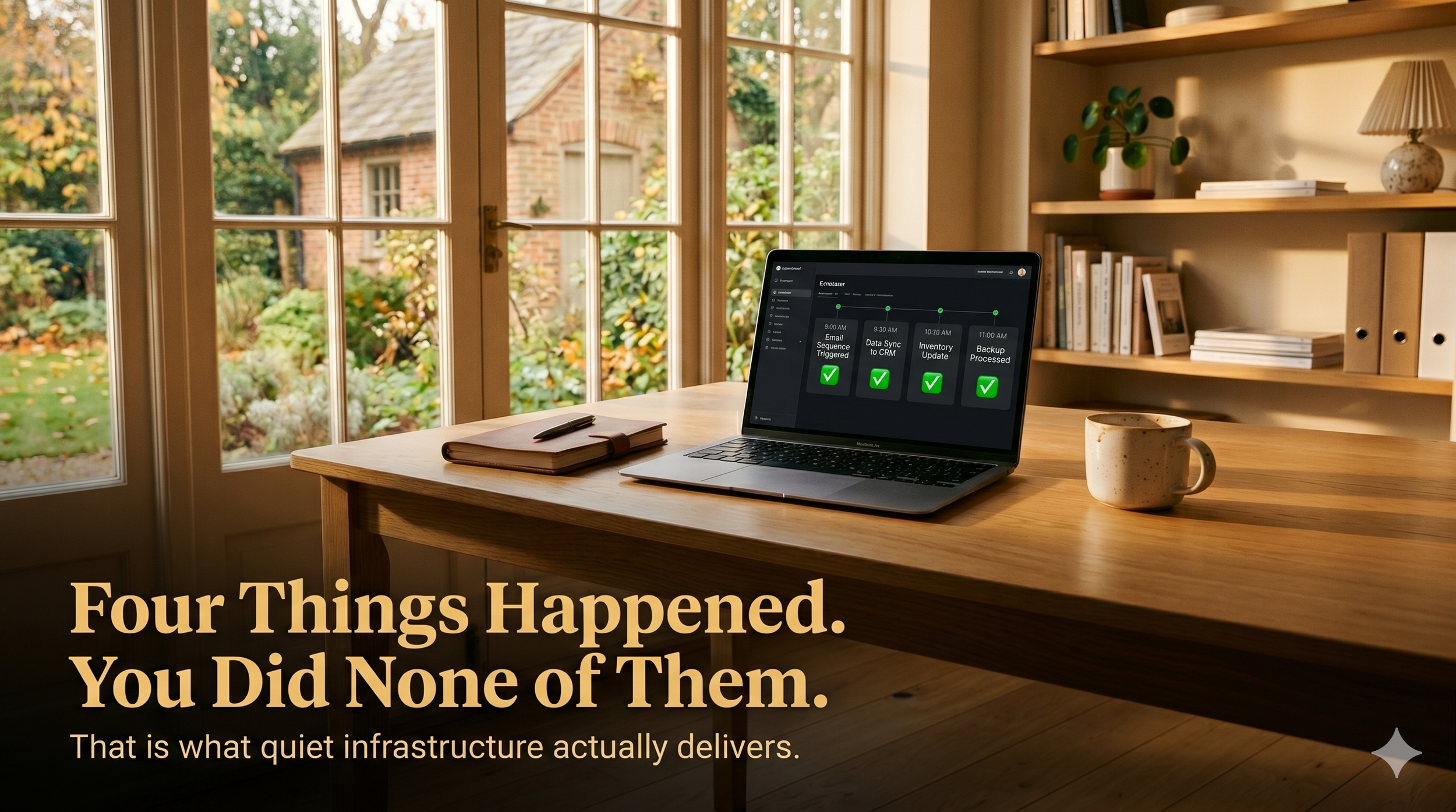
A Quiet AI setup does not require daily attention. The owner is not managing it in the morning or prompting it over lunch. It runs in the background on the tasks that were already happening manually, repeatedly, and without meaningful variation. The business owner's day looks the same as before, except the parts that didn't need them have stopped needing them.
Here is what that looks like concretely, inside a service-based solo operation.
Scheduling, onboarding, and inquiries run without the owner
The booking system has a scheduling link, automated confirmation, and a reminder sequence. Clients schedule themselves. The calendar fills. Reminders fire at 24 hours and one hour before the appointment. The business owner does not coordinate a single meeting. They just show up to them.
New clients trigger an onboarding sequence the moment they sign or pay. The welcome message goes out. The intake form follows. The what-to-expect document arrives before the first session. The pre-session prep reminder fires 48 hours out. None of this requires the owner to remember, draft, or send anything. Every client gets the same consistent, high-quality welcome experience.
Common inquiry types are handled through an AI-assisted template library. When a familiar type of inquiry arrives, the owner pulls the appropriate template, reviews the AI-generated draft, personalizes one or two sentences, and sends. The response time drops from twenty-five minutes to four. The quality is consistent. The client's experience is the same whether the inquiry arrived on a slow Tuesday or a chaotic Friday afternoon.
Every call ends with a complete record, and content runs on a queue
Client calls are recorded and run through a transcription and summary tool after every session. The owner ends the call with a four-bullet action item list, a summary of decisions made, and clear notes on what the client agreed to. Nothing is reconstructed from memory two days later. Nothing falls through the cracks.
Content for social media and the newsletter is drafted in a single batch session once a week. The AI assists with the drafting. The owner reviews and edits. The scheduler handles distribution. No daily content decisions. No blank-page moments at 9pm. The queue runs.
What the owner's day actually looks like: client work in the morning, decisions and strategy in the afternoon, and an end of day that does not include catching up on the things the system already handled.
This is not a transformation story, and it is not for every business
This is not a transformation story. Nothing changed dramatically. The business owner did not become a different kind of operator. They simply stopped doing the parts of their job that did not require them, and the business continued to run without those parts needing a person.
Quiet AI is not the right fit for every business. It works for solo operators and small teams where the owner is still executing a significant portion of the work, where workflows are repeatable enough to define, and where the owner's unique expertise is not required in every communication. It does not work well when the founder's direct personal presence in every touchpoint is the product itself. In that case, automation does not add value. It removes the thing clients are paying for.
The question worth asking
The question worth asking is not "should I use AI?" The question is: "Where in my day is my time going to things that don't actually require me?" The tasks that answer that question are the ones where Quiet AI belongs.
Frequently Asked Questions
Q: How much does a Quiet AI setup cost for a small business?
A: Most of the components described here — a scheduling tool, an automated email sequence, an AI assistant for drafts, a transcription tool, and a content scheduler — can be assembled for between fifty and two hundred dollars per month depending on the tools selected. Several general-purpose AI tools handle multiple functions, which reduces the total. The setup investment in time is typically ten to fifteen hours for the full stack, spread over two to three weeks.
Q: Does Quiet AI require technical skills to set up?
A: Not in the way most people assume. The tools commonly used for quiet automation — scheduling platforms, email automation tools, AI writing assistants — are designed for non-technical users. The setup involves configuring sequences, writing templates, and connecting a few tools rather than coding or engineering. The limiting factor is usually clarity about the workflow, not technical ability.
Q: How do I keep the automated communications from feeling impersonal?
A: Write the templates in your actual voice. Use the AI to draft from examples you provide, not from generic prompts. Include specific details that reflect your brand and your client's situation where the sequence allows for it. Automated does not mean generic. The warmth is in the writing and the structure, not in whether a human pressed send.
Q: What happens when a client situation falls outside the automated workflow?
A: The human steps back in. Quiet AI is not designed to handle every situation. It handles the repeatable ones. When something unusual arrives — a complex objection, a client in distress, a situation requiring real judgment — the owner handles it directly. The system is not a replacement for human attention. It is a filter that reserves human attention for the situations that actually need it.
Q: How do I know if my business is ready for a Quiet AI setup?
A: Ask three questions. Do I have workflows that happen the same way most of the time? Am I currently doing tasks manually that produce the same output regardless of who does them? Would my business run better if I had more time for strategy and client work, and less for administrative execution? If yes to all three, the infrastructure for Quiet AI already exists. It just needs to be built.
#QuietAI #SmallBusiness #AIForBusiness #DigiBrix #AIImplementation #WorkflowAutomation #SmallBusinessOwner #AITools #BusinessProductivity #RealResults