

What Are the Best Workflows in a Small Business to Apply AI for Immediate Time Savings?
by Stephanie Ferguson | DigiBrix
Key Takeaways
The fastest-payoff AI workflows share three traits: high repetition, text-heavy execution, and a clear human review checkpoint before anything goes external.
The goal is not to hand work off entirely — it is to move from author to editor, a role shift that is categorically faster.
First-draft content, client communications, call summaries, research scans, and FAQ drafting are the five workflow categories that consistently deliver inside thirty days.
Businesses that start with one workflow and run it for two weeks learn more than those who launch multiple experiments at once.
Restraint at the start is strategy. Expanding before the first workflow is stable is the most common reason AI experiments stall.
There is a version of this question that leads somewhere useful, and a version that leads directly to a six-month subscription to a tool you will stop using in three weeks.
The version that leads nowhere sounds like this: "What can AI do for my business?" That question opens up into everything. It produces hour-long rabbit holes, YouTube tutorials, comparison charts, and a growing sense that you are already behind.
The version worth asking is more constrained: "Which specific workflow in my business is mostly repetitive writing or research, happens at least weekly, and has a clear definition of done?" That question has a short answer. And that short answer is where AI actually belongs.
After working with small business owners on this problem for some time, the workflow categories that consistently produce real, measurable time savings inside the first thirty days fall into a predictable pattern. They share three structural traits. First, they are high-repetition. The task happens again and again, with slight variations. Second, they are text-heavy. Most of the work is reading, writing, summarizing, or researching, rather than judgment, relationship, or physical execution. Third, they have a clear handoff point where a human reviews before anything goes out the door.
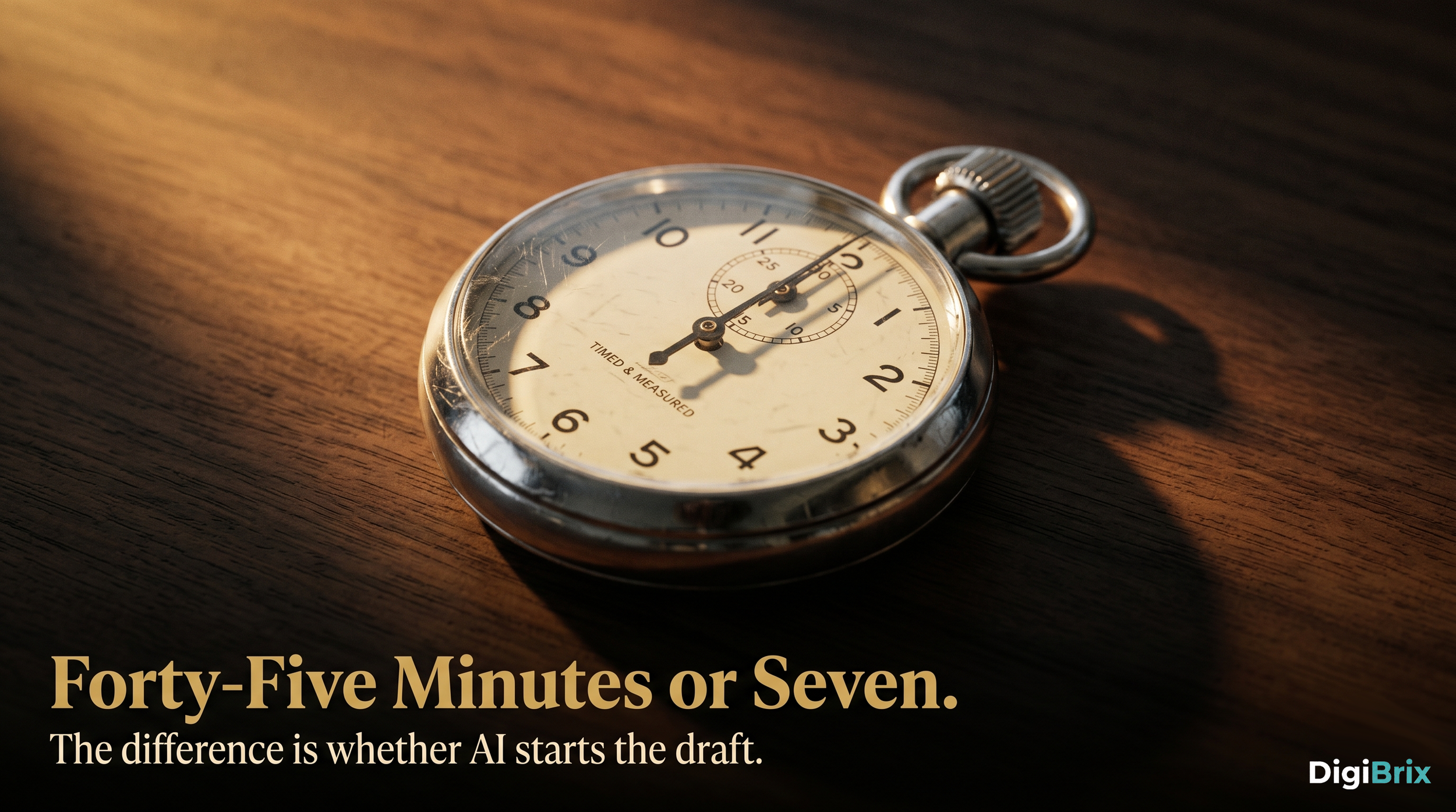
That third trait is the one most people underestimate. The fastest-payoff AI workflows are not the ones you fully hand off. They are the ones where the bottleneck was always the first draft. If you have been spending forty-five minutes writing an email response that could be a seven-minute review of a solid draft, that is a real workflow. That is where AI earns its place.
Here are the five categories that consistently deliver:
First-draft content for email, blog, and social. The writing does not end when AI drafts it. But if you have been staring at a blank page for twenty minutes before typing a word, that blank page problem is solved. Inquiry responses, newsletter content, blog outlines, caption drafts. These are repetitive, pattern-driven, and enormously time-consuming without a starting point.
Initial client-facing communications. The first message a prospect receives, the follow-up sequence after a discovery call, the onboarding email when someone signs a contract. These are communications most business owners write from scratch every single time, with small variations. They are perfect for a template-plus-AI-draft approach that gets reviewed and personalized before sending.
Meeting and call summarization. Business owners who record their calls or client sessions often have recordings they never revisit. An AI summary that pulls out key commitments, action items, and client concerns turns thirty minutes of audio into a three-paragraph handoff note. That is not a luxury. For many businesses, it is a missing operational layer.
Basic research and market scans. Competitive landscape overviews. Pricing summaries. Industry trend snapshots. These are tasks that used to require a contractor or a half-day of manual browsing. A well-structured AI prompt can produce a working draft in minutes. It will need verification and judgment applied on top. But the starting point changes the time investment entirely.
FAQ and knowledge base drafting. If your team answers the same questions repeatedly, or your clients ask the same five things before every project, there is a document waiting to be written. AI drafts it from your existing materials. You edit and approve. It gets used for months.
What these categories have in common is not sophistication. It is structure. Each one has a clear input, a predictable output, and a human checkpoint before anything crosses the threshold into the world. That structure is what makes them safe, fast, and sustainable.

Make it stand out
Whatever it is, the way you tell your story online can make all the difference.
The mistake most small business owners make is starting with their biggest pain point rather than their most structured one. The biggest pain points are often judgment-heavy, relationship-dependent, or deeply context-specific. AI struggles there. The most structured workflows are often invisible because they feel mundane. Those are exactly where AI pulls its weight.
If you are looking for a place to start, do not start with a system. Start with one workflow. Run it for two weeks. Pay attention to what it actually changes in your day. That narrow focus will tell you more about where AI belongs in your business than any survey, tool comparison, or expert opinion ever will.
The businesses getting real traction with AI in the first month are not the ones with the most ambitious plans. They are the ones who picked something specific, committed to it, and resisted the pull to expand before the first thing was working. That restraint is not timidity. It is strategy.
Frequently Asked Questions
Q: How long does it take to see real time savings after implementing AI in a workflow?
A: Most small business owners who implement AI in a single structured workflow see measurable time savings within two to three weeks. Week one typically involves calibration. By week three, the process stabilizes. The key is staying patient through early imperfection rather than abandoning the experiment before it has time to work.
Q: Do I need expensive tools to start using AI in my business workflows?
A: No. The workflows with the fastest payoff, first-draft content, email templates, call summaries, basic research, can be supported by general-purpose AI tools available at low or no cost. Expensive, specialized tools become relevant later, once you have identified which workflows benefit most from deeper automation.
Q: What if the AI drafts do not sound like me?
A: They will not at first. The gap between AI output and your voice closes significantly when you give the tool examples of how you write, specific instructions about your tone, and feedback through prompt refinements. Expect to spend two to four editing sessions identifying the patterns before the drafts reach a usable quality level.
Q: Which workflow should I start with if I am completely new to AI?
A: Start with the task that costs you the most time per week and requires the least judgment to execute well. For most service-based businesses, that is either email inquiry responses or social content drafts. Pick one. Run it for fourteen days before evaluating.
Q: Will AI eventually replace the need for me to write anything in my business?
A: Not if you want your communication to carry your actual expertise and voice. AI handles repetitive structure effectively. The parts that are distinctly yours, your specific insights, your client relationships, your strategic perspective, still require you. The goal is to stop spending time on work that did not need you in the first place.
#SmallBusiness #AIForBusiness #WorkflowAutomation #PlacementOverPiloting #DigiBrix #AITools #BusinessProductivity #AIStrategy #SmallBusinessOwner #TimeManagement